

Big Walk guide library
Big Walk guides for fixes, multiplayer & puzzles.
Use a focused fix for connection, voice, joining, or performance problems. For multiplayer and island progress, open the guide that matches the exact question your group has.
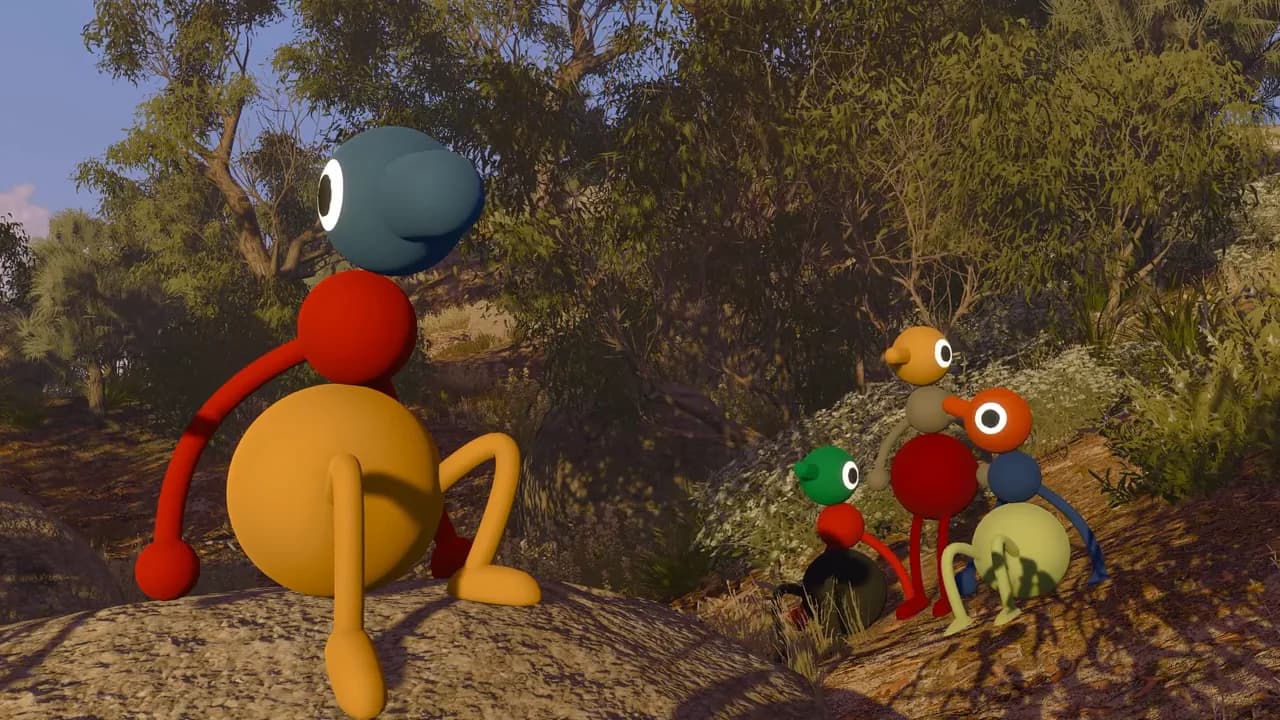
Big Walk Can't Host or Join Any Game: Sync Your Clock
If Big Walk cannot host or join any game, sync your device's date and time, restart the game, and retry the official connection checks safely.
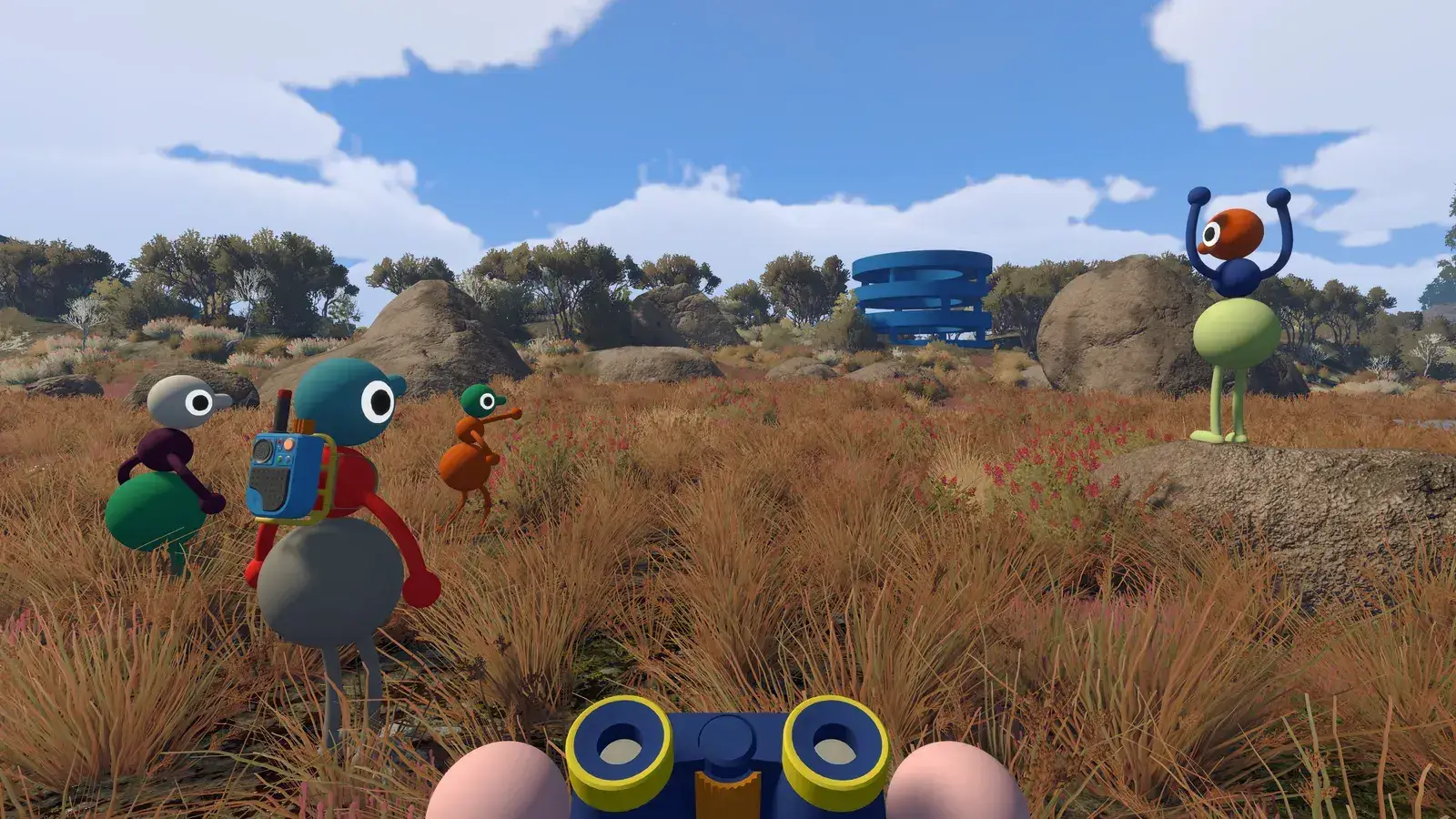
Big Walk Can't Join a Friend's Game? Join Code Fixes
Can't join a friend's Big Walk session? Check the active host, use the current Join Code, match versions, restart the game, and fix session unavailable errors.
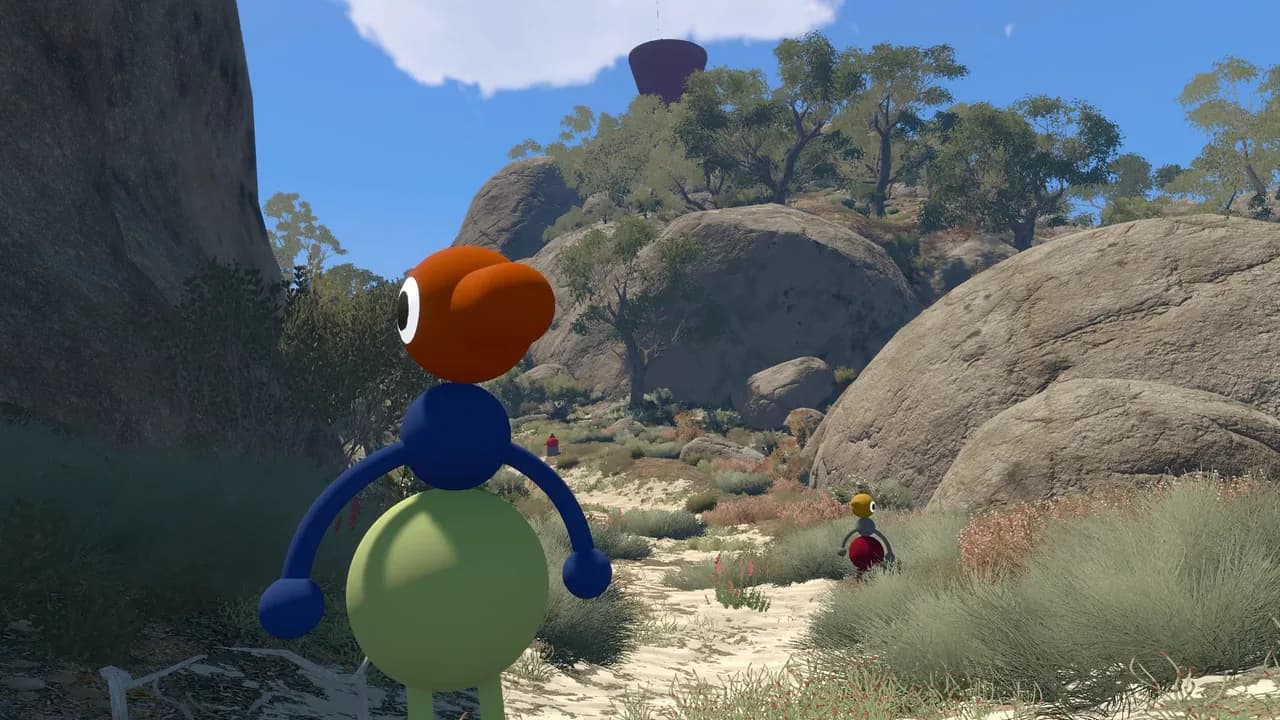
Big Walk Connection Error Fix: Join Friends Again
Fix a Big Walk connection error fast with verified system-clock, host, version, restart, and network checks when friends cannot enter a session.
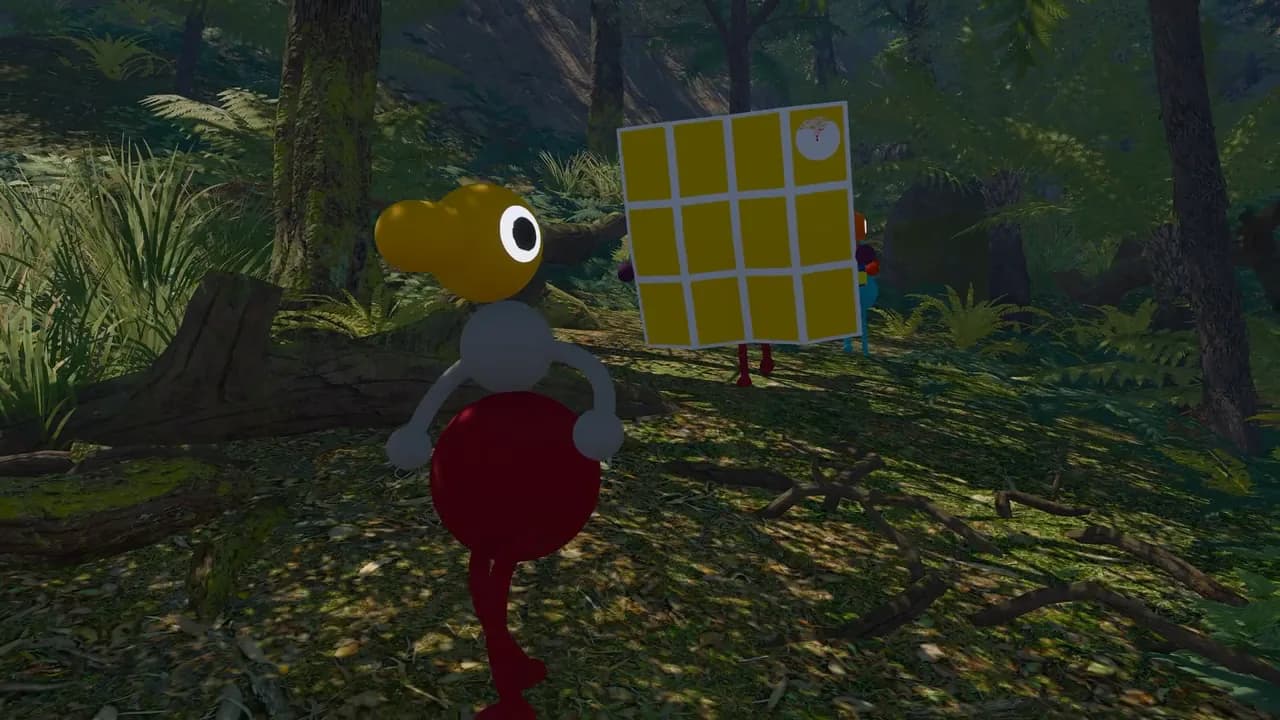
Big Walk Controller Not Working on Mac: Xbox Fix
Safely fix a Big Walk controller not working on Mac with Bluetooth, Steam Input, macOS permissions, compatibility settings, and peripheral checks.
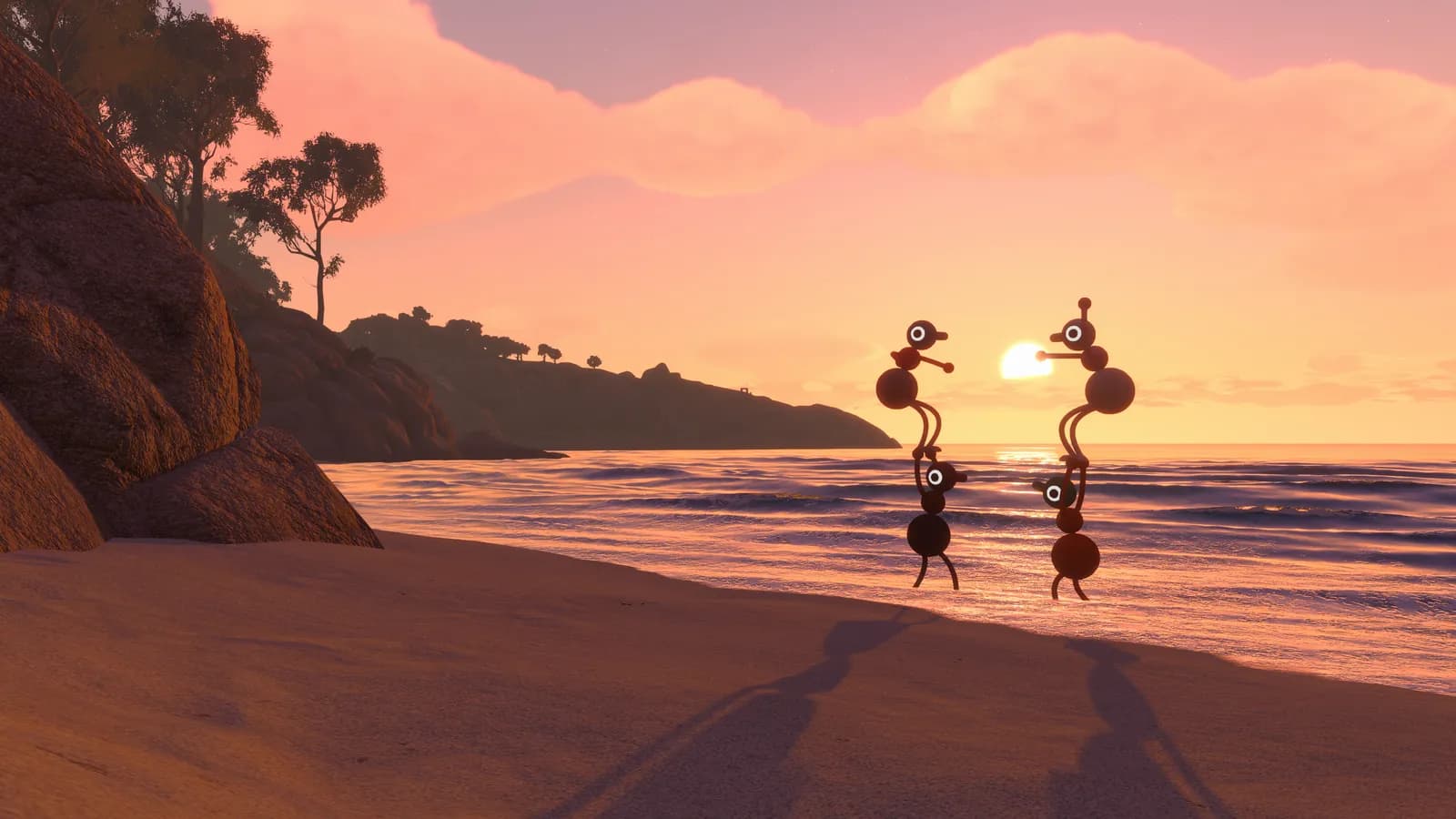
Big Walk Crossplay Guide: Platforms, Join Codes & Solo
Big Walk crossplay supports PC, Mac, PS5, and Switch 2. Learn how Join Codes, versions, host saves, and the lack of a solo mode affect your group.
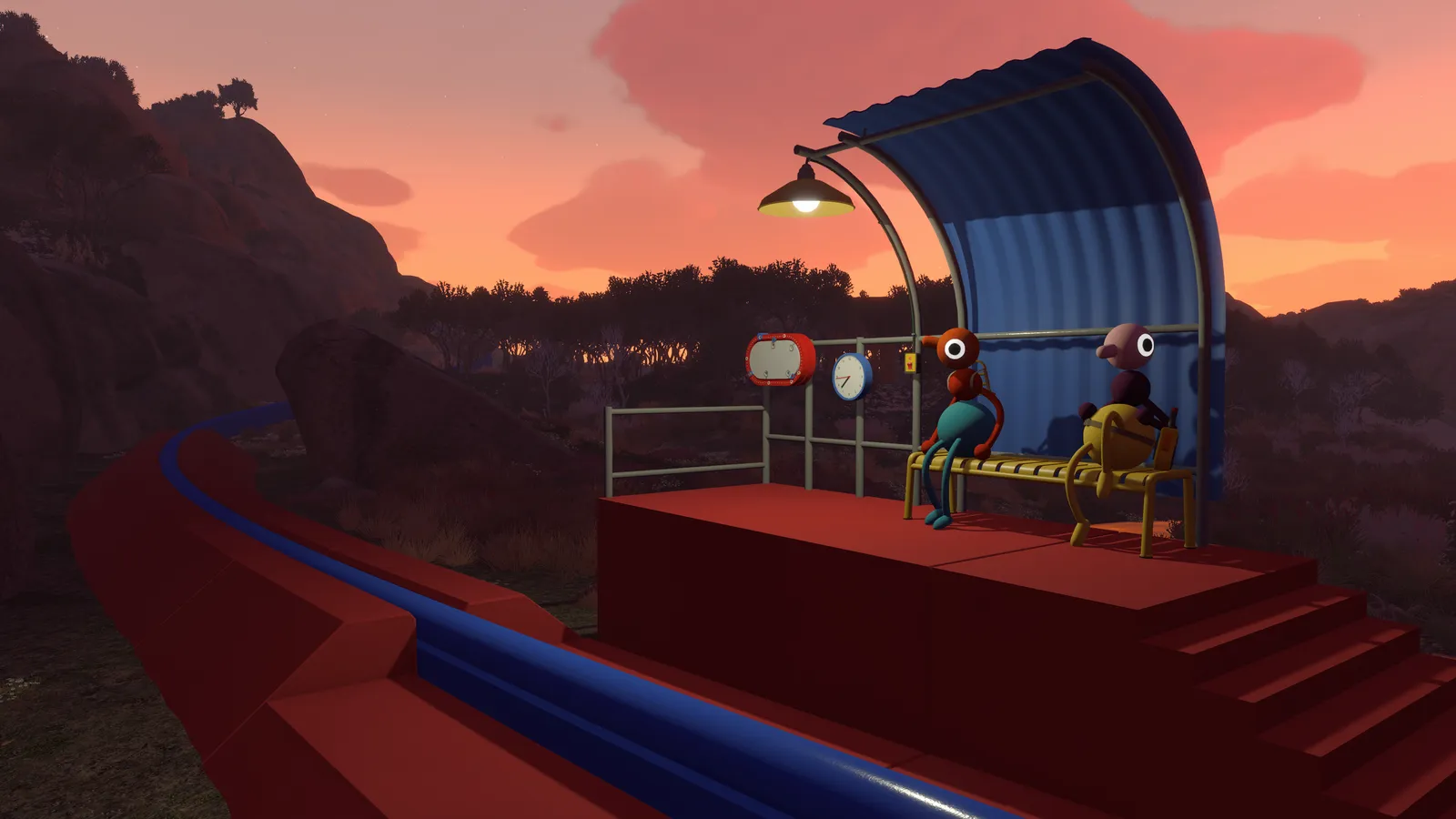
Big Walk Join Code: Find, Share and Join a Game
Find your Big Walk Join Code, share it with friends, and join a host across supported platforms. Learn what to check when the code will not work.

Big Walk Low FPS Fix: Improve Performance on PC
Fix Big Walk low FPS with official Render Scale, Quality, frame-rate limit, and Vsync settings. Separate frame-rate issues from network lag.
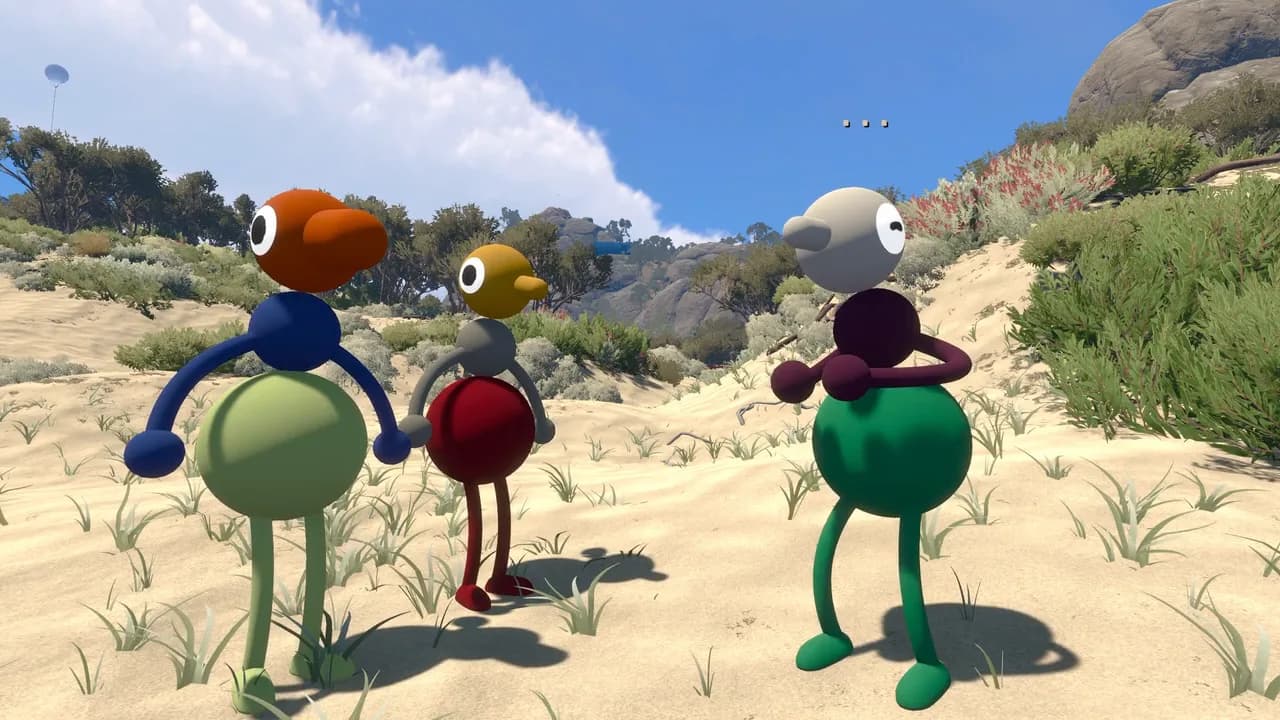
Big Walk Matchmaking: How to Find and Join Players
Big Walk matchmaking has no random queue. Learn how friend lists, Join Codes, host-owned saves, crossplay, and safe player-finding options actually work.
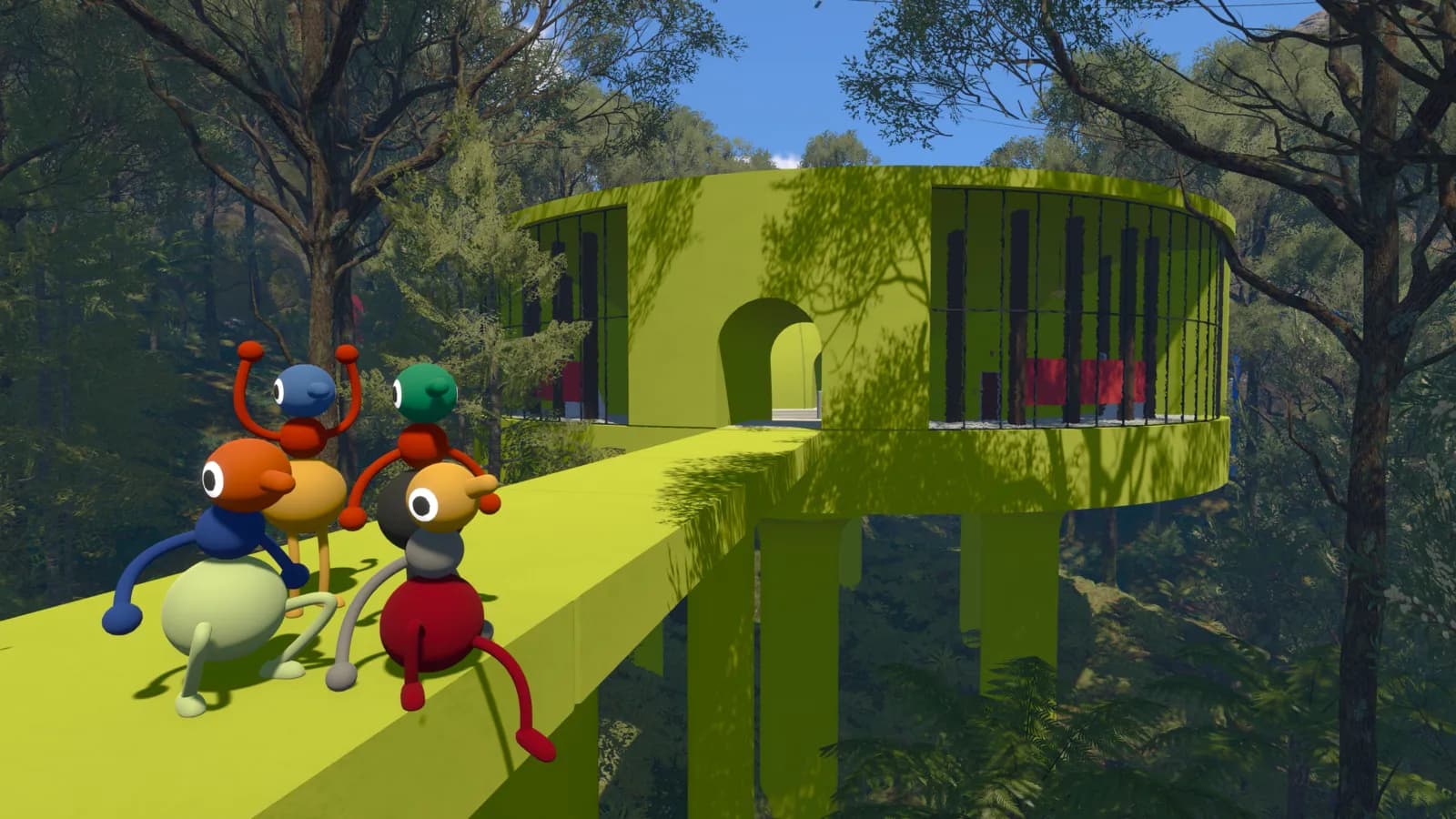
Big Walk Max Players: 12-Player Limit (2–12 Players)
The Big Walk player limit is 12, with a minimum of 2. See how the 2-player, 3-player, and 4+ player world options adapt the game to your group.
Big Walk Motion Sickness: Comfort Settings Guide
Reduce Big Walk motion sickness with official Motion Reduction Overlays, FOV, crosshair, graphics, and challenge-skipping settings for each platform.
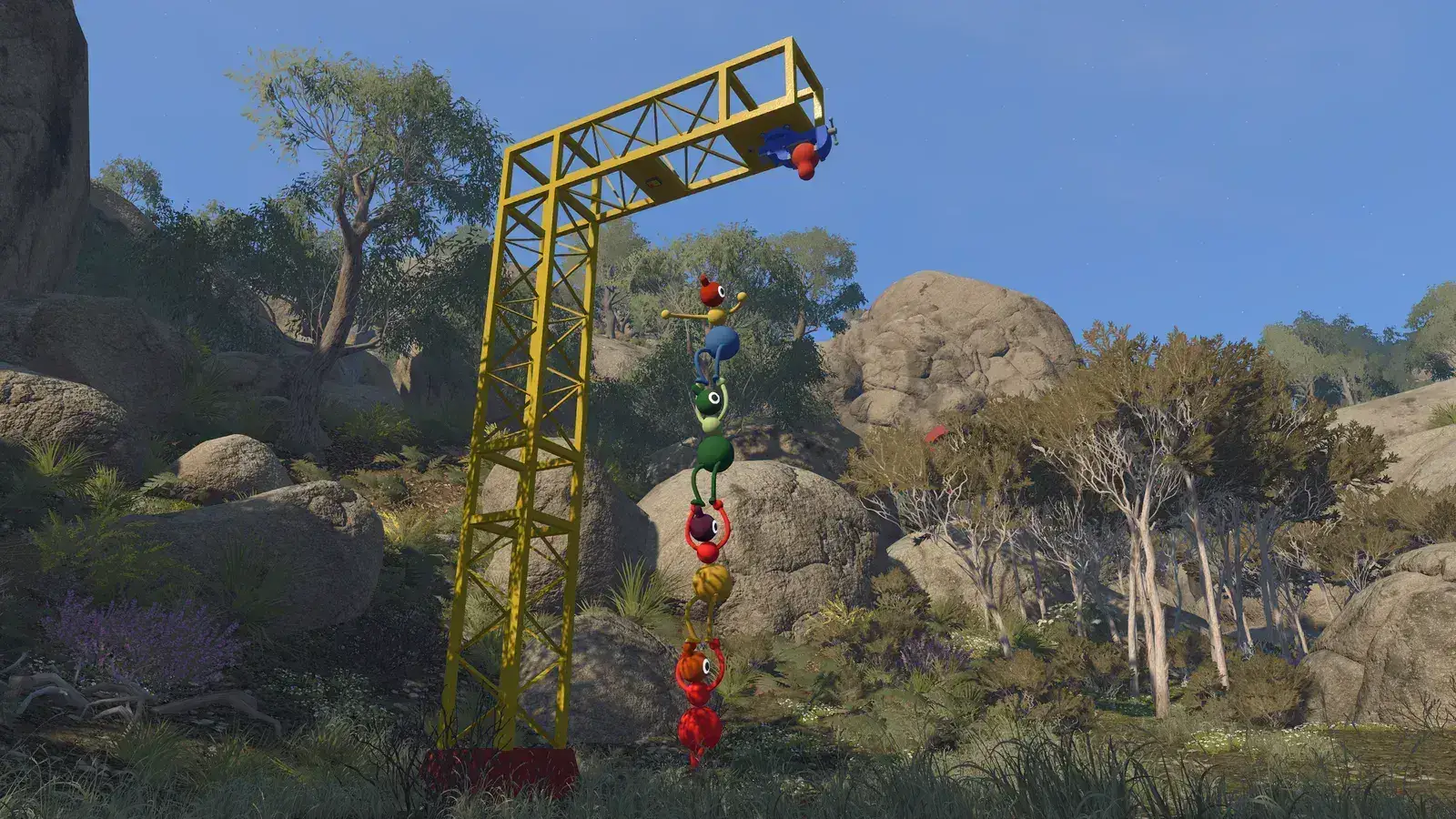
Big Walk Multiplayer Guide: Join Friends & Host Saves
Learn how Big Walk multiplayer works: start a host world, join friends or enter mid-game, use Join Codes, keep saves, crossplay, and matchmaking.
Big Walk Number Puzzle: 4166 & 1899 Coordinates
Solve the Big Walk 4166 and 1899 number puzzle with the Map Room or GPS, find the hidden button, and see which steps come from community guides.
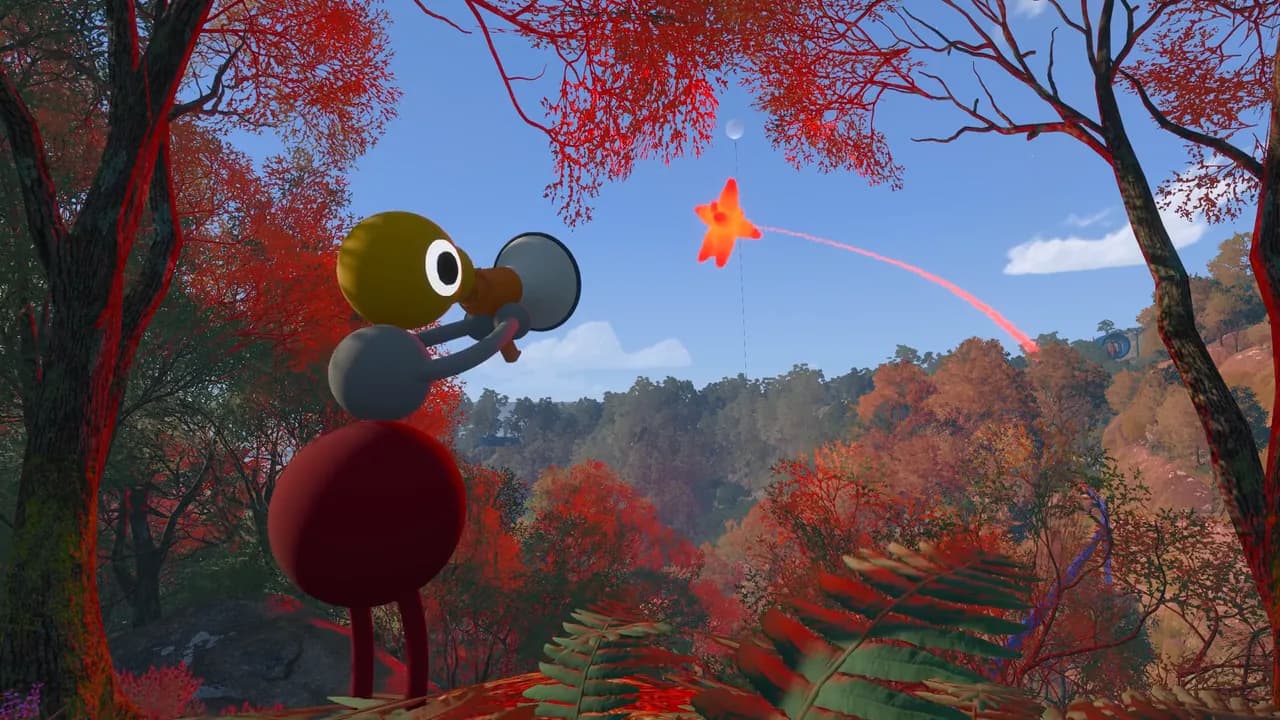
Big Walk on Steam Deck: Verified Status & Settings
Big Walk is Steam Deck Verified. Check Valve's verified results, default controls, graphics steps, voice chat, crossplay, and host-save limits before playing.
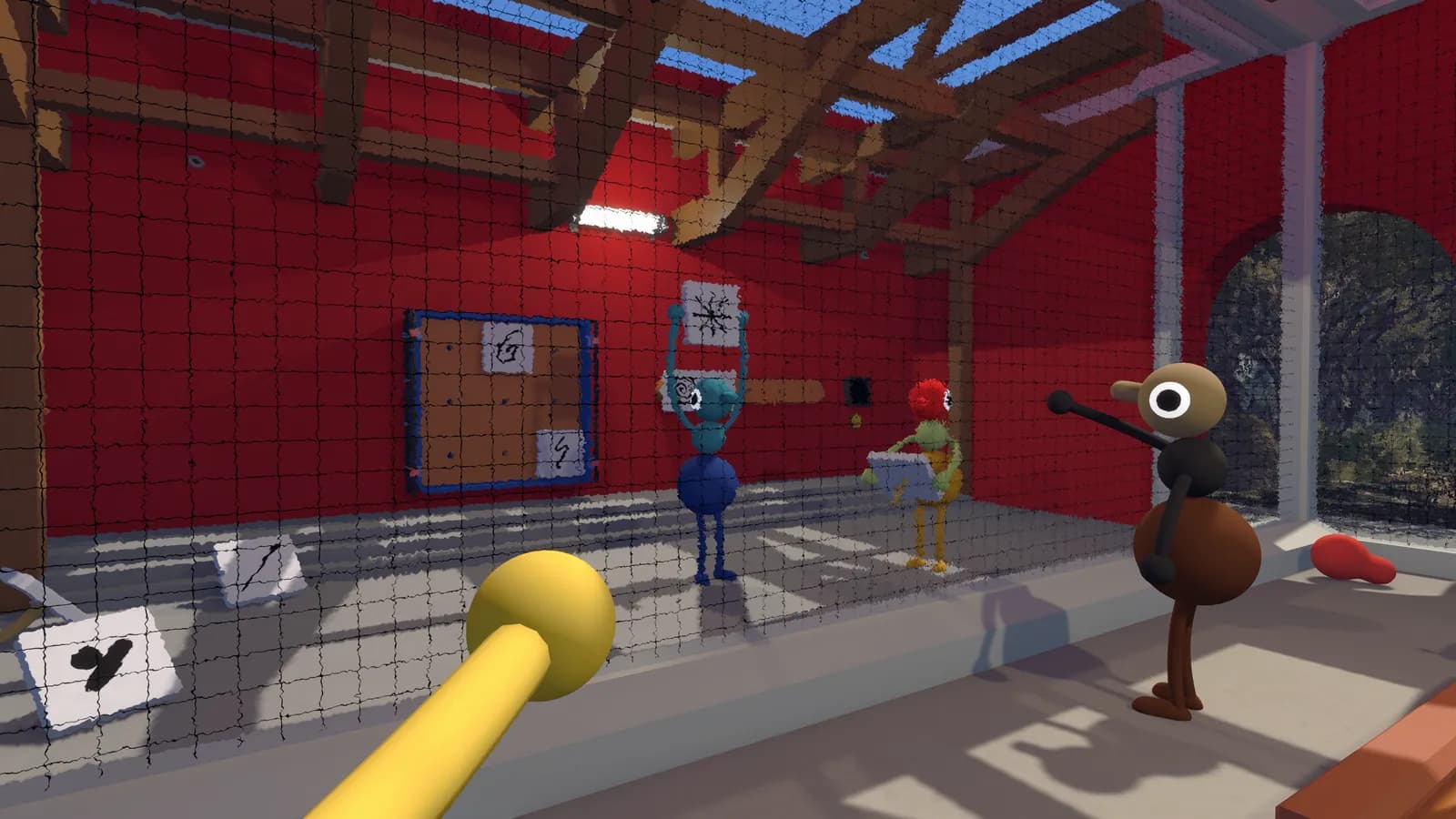
Big Walk Puzzle Solutions: Beach Puzzles & Verified Hints
Solve Big Walk opening beach puzzles with verified symbol, crane, telescope, and switch steps, plus spoiler-light hints for communication and puzzle resets.
Big Walk Switch 2 Performance: FPS, Pop-In & Crossplay
See the current Big Walk Switch 2 performance reports, including a 30 FPS target, frame drops, visual pop-in, and the correct crossplay checks.
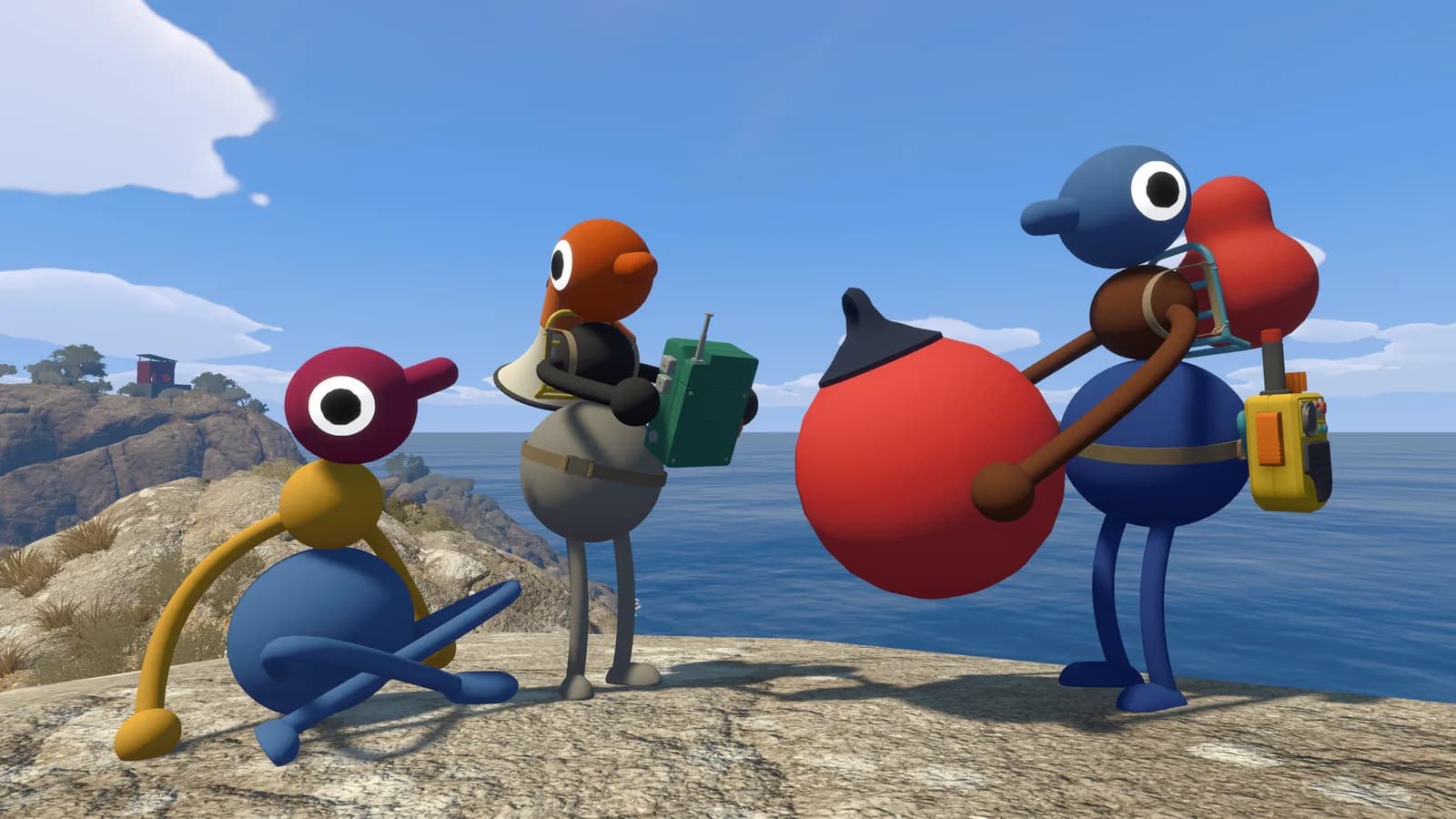
Big Walk Voice Chat Not Working: Mic Fix Guide
Fix Big Walk voice chat not working on PC, Mac, and PS5. Check microphone activity, permissions, mute controls, quiet voices, echo, and audio dropouts.
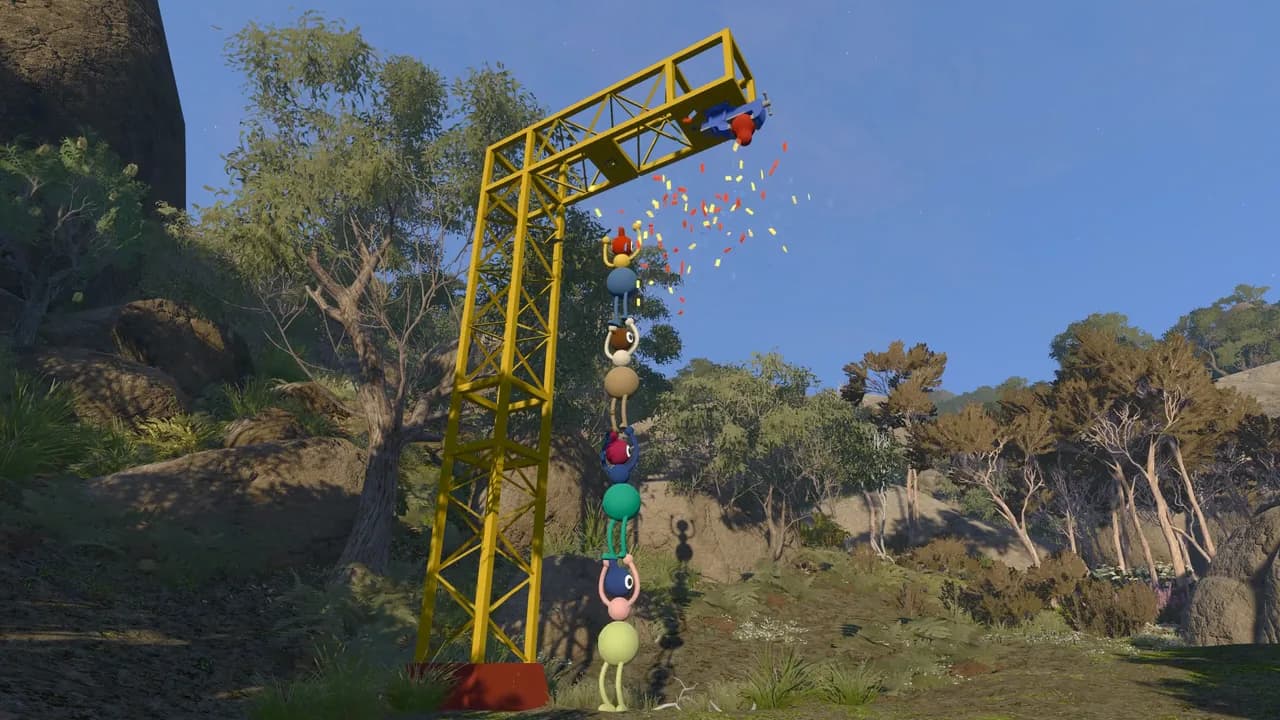
Big Walk Walkthrough: Beach, Map Room & Travel Unlocks
Follow Big Walk from the beach drawbridge to the Map Room, train, chairlift, and tunnel unlocks with a verified, spoiler-aware main progression route.
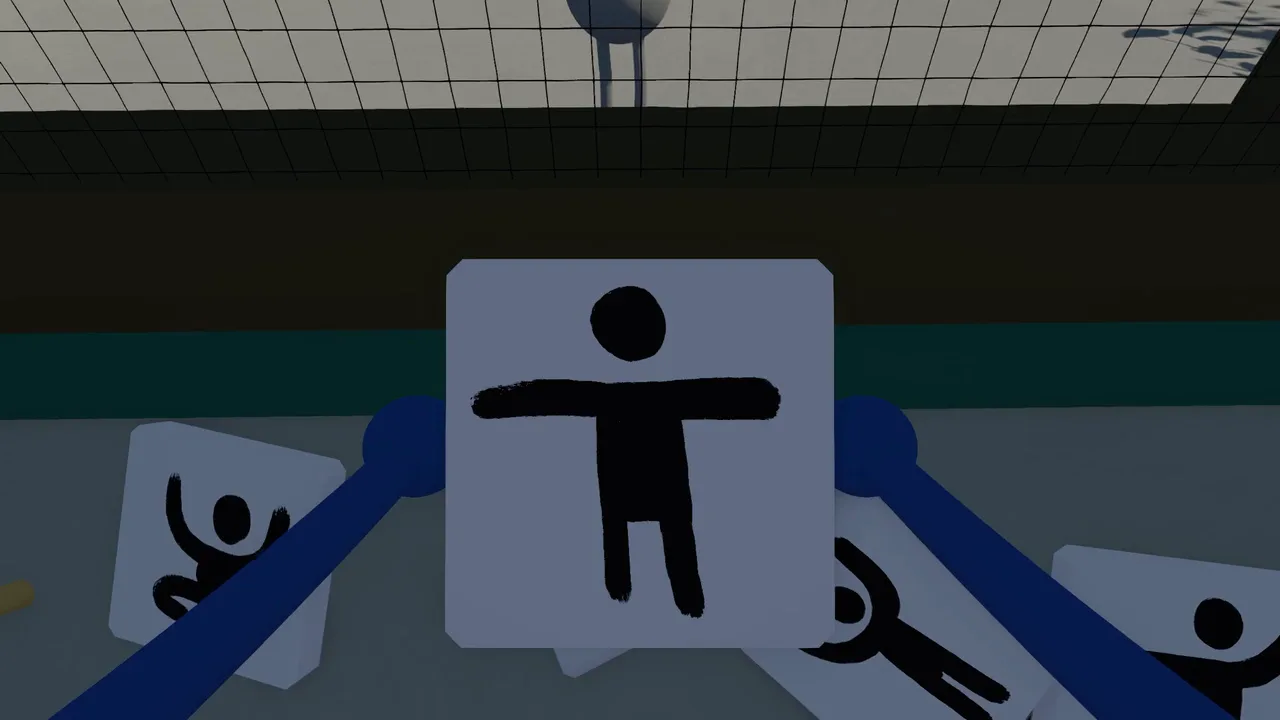
Can You Play Big Walk Without a Microphone?
Yes, you can play Big Walk without a microphone. Learn how text chat handles distance, glass, walkie-talkies, group setup, and accessibility.
Does Big Walk Have Couch Co-Op or Split-Screen?
Big Walk does not support couch co-op or split-screen. Learn what one-player-per-system means and how friends in the same home can play online.