

Can You Play Big Walk Without a Microphone?
Yes, you can play Big Walk without a microphone. Learn how text chat handles distance, glass, walkie-talkies, group setup, and accessibility.
- Published
- 2026-08-07
- Updated
- 2026-08-21
- Verified
- 2026-08-21
 Communication
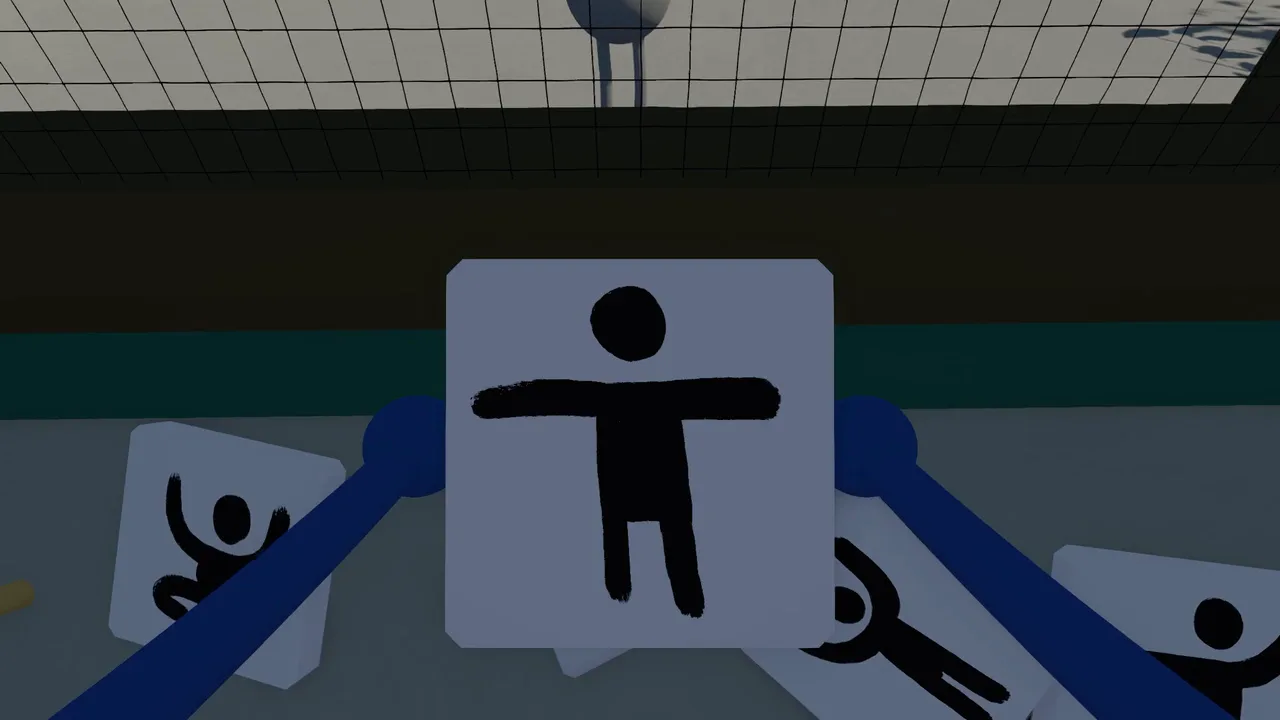
Yes. You can play all of Big Walk without using a microphone. The official FAQ says the built-in text chat has the same features and intentional limitations as voice chat, so a player using text does not have to miss the full adventure. Your group can also mix voice and text, letting each person use the in-game option that works best for them.
Text chat is not a global party channel. Distance, barriers, and communication items still matter. That is important because communication is part of Big Walk’s puzzles rather than a menu placed on top of the game.
How text chat works in Big Walk
Big Walk is designed around in-game voice and in-game text chat. The official FAQ tells players to use either one or a mixture of both. This makes text chat a supported way to play, not an unofficial workaround for a missing headset.
The unusual part is that text follows the world’s communication rules. A message is not automatically readable by every person in the session. Players who move far apart can lose contact, and the surrounding environment can block communication. The Steam description gives the same basic picture for voice: speech fades across distance, echoes through corridors, becomes muffled through walls, and changes when a walkie-talkie is involved.
Text mirrors those ideas. The official FAQ gives two clear examples:
- Text becomes unreadable when players are far away.
- Text cannot pass through soundproof glass.
- Text works with in-game communication items such as walkie-talkies.
These are intended rules, not connection errors. If a nearby friend can read your message but a distant friend cannot, the game may be working exactly as designed. Test the same message nearby before treating a distance limit as a chat failure.
What you can complete without voice chat
The official answer is unusually direct: a player can use text chat for the whole game without missing out. That includes the main cooperative journey rather than only the early beach or free-roaming sections. It is an in-game communication option, not a separate or reduced version of the game.
It does not mean every situation feels identical. Typing can take longer than speaking, and a message may disappear from another player’s reach when the group separates. The point is that Big Walk carries the same communication logic into text so the puzzle still exists. You may need to stay closer, pass information through another player, or use an item that extends communication.
The game also includes nonverbal tools. The Steam page describes pointing, waving, and gesturing when talking is not possible. It lists walkie-talkies, laser pointers, binoculars, megaphones, flares, whiteboards, and cowbells among the tools and toys found in the world. Not every item has the same purpose, but the wider design gives a text-chat group more than one way to share an idea.
Set up the group before starting
Tell the group that one or more players will use text before choosing a world. This avoids a situation where somebody waits for spoken instructions that will never arrive. It also lets the group agree on simple habits before a puzzle becomes busy.
A useful preparation list is:
- Confirm that every player can open and read the in-game text chat.
- Stay together for the first few minutes and send a short test message.
- Check that the message changes as players move farther apart.
- Let the host know if anyone may need challenge skipping.
- Use short, concrete directions during timed or movement-heavy tasks.
Keyboard shortcuts can differ by platform or update. The official FAQ confirms that controls can be rebound through Settings > Rebinding, so use the control label shown in the current version of your game. A short group test before leaving the starting area is safer than relying on an older control image.
The host also controls an accessibility choice that can matter to the group. Big Walk includes challenges that may require hearing or reading, speaking or typing, quick reactions, or fine motor control. The official FAQ says the host can enable challenge skipping from the accessibility menu while starting a session. A group does not need to wait until someone is blocked to discuss that option.
Voice and text can be mixed
The whole group does not have to choose one communication method. The official guidance allows voice, text, or a mixture. One player can type while others talk through proximity voice.
That flexibility is useful when a player has no microphone, cannot use voice at a particular time, or prefers text. It is also different from a microphone failing unexpectedly. If the game should be receiving your voice but Microphone Activity stays flat, follow the Big Walk voice chat not working guide instead of treating a technical problem as a permanent text-only setup.
For a mixed group, give typed messages time to arrive before moving to the next step. Keep the text user close enough to read replies, and avoid having several people send new instructions at once. The game’s distance rules apply to communication, so separating the person using text from the rest of the group can remove the reply they need.
Why an outside voice call changes the game
Discord, a phone call, or talking across the same room can bypass the limits that Big Walk builds into its puzzles. The official FAQ strongly recommends staying inside the game’s communication system. It explains that some situations deliberately stop players from hearing each other so the group must find another way to communicate.
The game does not shut down or punish a group for using an outside call. The problem is that unrestricted communication can make parts of the game stop making sense. A soundproof barrier, lost teammate, or walkie-talkie has less purpose if everybody can hear a global call at all times.
Text chat preserves those rules. It is therefore a better no-microphone option than replacing the game’s communication system with a separate voice room. It keeps distance and barrier limits part of the group’s shared puzzle.
What text chat does not change
Using text does not add a solo mode. One person can start and walk around briefly, but full progression still requires cooperative multiplayer, with a supported session range of 2–12 players. Text also does not add random matchmaking.
Your group still needs to organize outside the game, then join through the platform friend list or with a current Join Code and the host’s session password. The Big Walk multiplayer guide explains the host, save, and joining flow. Text chat changes how a player communicates, not how the group enters the session.
Text chat also does not remove distance or environmental limits. If the goal is to create a permanent global channel, the built-in text system is intentionally not that. The official sources do not document separate global text-chat settings, a spectator chat, or a way to disable the distance rules.
The official sources specifically confirm walkie-talkies for text and describe a wider set of tools, but they do not provide ranges, cooldowns, or exact controls for every communication item. Check the behavior in the current game before building a plan around an item. Keep unlisted item details as something to test with the group rather than a fixed rule.
Text chat and accessibility
Text chat is one of several ways Big Walk supports different groups, but it should not be treated as a complete accessibility answer for every player. The official FAQ separately lists challenge skipping, control rebinding, crosshair styles, hold-or-toggle choices, FOV adjustment, Motion Reduction Overlays, highlighted items, and character carrying. For camera comfort, use the motion sickness settings guide; these options can be combined with text chat.
Some challenges can still involve reading, typing, reacting quickly, or using precise controls. If any of those create a barrier, the host’s challenge-skipping setting is the confirmed option to review. The official FAQ also provides a way to contact the team about accessibility needs beyond the published list.
The safest promise is the official one: a microphone is not required, and text chat can carry a player through the whole game. Individual comfort and access needs can still differ, so set up the session with the group rather than assuming text alone solves every barrier. Review the host’s accessibility options before a challenge becomes a blocker.
Big Walk no-microphone FAQ
Do I need a microphone to buy or play Big Walk?
No. The official FAQ says you can play the whole game with built-in text chat. You still need a cooperative group of at least two people.
Is Big Walk text chat global?
No. It follows the same intentional communication limits as voice. Messages can become unreadable over distance or across soundproof glass.
Does text chat work with walkie-talkies?
Yes. The official FAQ specifically says the in-game text system works with items such as walkie-talkies.
Can one player type while everyone else uses voice?
Yes. Big Walk supports voice, text, or a mixture, so every player does not need to use the same method.
Can I use Discord instead of a microphone?
The game will not stop you, but the official FAQ strongly recommends using in-game communication. A global outside call bypasses distance and barrier rules that are part of the cooperative design.
What if text or voice is inaccessible during a challenge?
The host can enable challenge skipping from the accessibility menu when starting a session. The official FAQ says this covers challenges that may otherwise require hearing, reading, speaking, typing, quick reactions, or fine motor control.
Sources and verification
This page was last checked on August 7, 2026 against the official Big Walk FAQ and the Big Walk Steam page. The no-microphone answer, text distance rules, soundproof-glass behavior, walkie-talkie support, and challenge-skipping details come from the official FAQ. The examples of proximity communication, gestures, and named tools come from the official Steam description.
Still having trouble?
Bring the details. Get a better answer.
Include your platform, game version, exact error text, and what you already tried.