

Big Walk Can't Join a Friend's Game? Join Code Fixes
Can't join a friend's Big Walk session? Check the active host, use the current Join Code, match versions, restart the game, and fix session unavailable errors.
- Published
- 2026-08-07
- Updated
- 2026-08-31
- Verified
- 2026-08-31
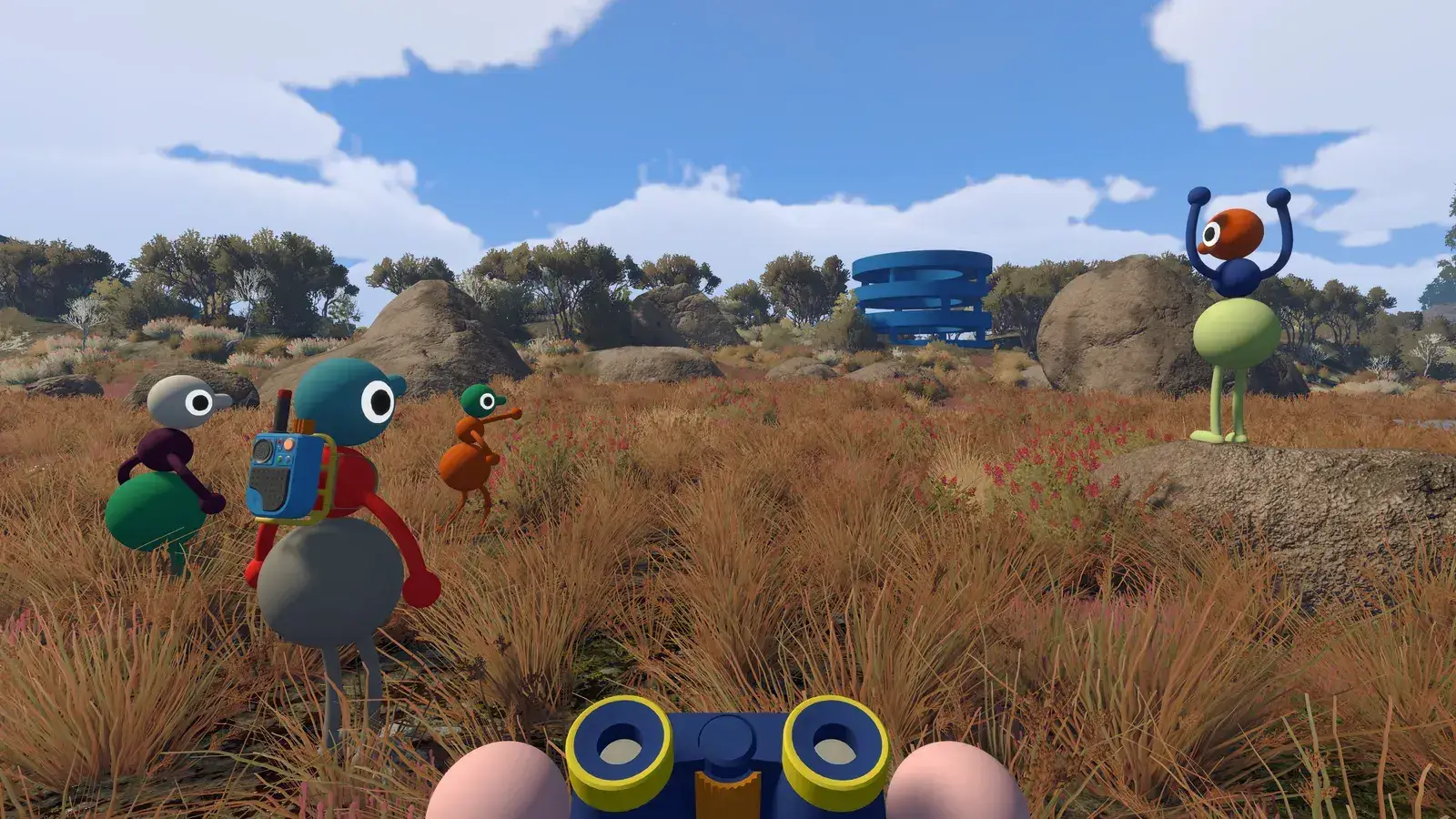 Multiplayer
If Big Walk can't join a friend, wait until the host is fully inside the correct saved world. Use the current friend entry or Join Code and password, compare the first two version numbers, and restart the guest. For “The session you are trying to join isn't available,” refresh the host's session details first.
This host-owned behavior follows the official FAQ. Last checked: August 31, 2026.
Fast checklist when a friend cannot join
Ask the host to enter the intended world and wait until loading has finished. The guest should not try to join while the host is still on the menu or loading screen. If the host sees a connection warning, address that warning or restart the host session first.
Next, compare the in-game versions. The official FAQ says the first two version numbers must match, and those numbers are shown at the bottom of the main menu. Finish any platform update and fully restart the game if the builds differ.
Try one clean join through the platform friend list. If the friend is missing or the invitation does not work, use the host’s current Join Code and session password. After a host restart, use newly displayed session details rather than returning to an old invitation. The Join Code guide shows where the host finds them and how guests enter them.
If the affected player cannot host or join any session, use the can't host or join guide. The official FAQ says a significantly inaccurate system clock can block both actions.
On version 1.5.1, read the host or join warning exactly: the game now distinguishes a slow connection from an unstable connection. A failed password attempt also clears the password field, so enter the current password again before retrying.
Understand who owns the saved world
The host stores the world progress in Big Walk. That host must start the saved world before friends can reconnect, so another player cannot simply open the same group progress alone. This is official behavior, not evidence that a save has disappeared.
Confirm who hosted the previous session before troubleshooting. If a different person starts a new world, it may load normally but will not be the same saved progress. Return to the original host when the goal is to continue an existing walk.
Because the host is central to the session, the host’s internet and performance can also affect guests. If every friend fails to join one person but can join another host, record that result. It narrows the problem without deleting data or making risky network changes.
Use the friend list or a Join Code
Big Walk officially supports two friend-joining routes: the platform friend list and a Join Code from the host. Version 1.4.9 requires a session password when starting a game, so guests using the code also need the password shared privately by the host. Check that both accounts are friends on the relevant platform before relying on the list.
The host can find the current code in the active session details. Share it privately, wait until the host is fully loaded, and then let the guest enter it. Menu wording can change after an update, so follow the labels shown in the current build.
The Mac App Store version does not provide a Game Center friend list, according to the official FAQ. The current Join Code and the host’s session password are therefore the relevant official route for that limitation. This does not mean the Mac version lacks online play or crossplay.
Fix “The session you are trying to join isn't available”
Treat this message as an unavailable host session first; it does not prove that all Big Walk servers are down. Check the active session in this order:
- Ask the host to load fully into the intended saved world.
- Reopen the friend-game list or enter the Join Code and session password shown in the host's current Session Details.
- Compare the first two version numbers at the bottom of each main menu.
- Fully restart the guest, then restart the host and use the newly displayed session details if the error remains.
A Join Code is generated for the active host session, so do not keep retrying an earlier code or password after the host restarts. If the same guest can join other hosts, keep the diagnosis focused on this friend session. If that device cannot host or join any game, switch to the can't host or join guide and check the system clock.
Check matching versions before retrying
Open the main menu on every device and compare the first two version numbers. A platform may have a pending or recently released hotfix even when the store shows the game as installed. Start the update, let it finish, and restart Big Walk before trying again.
This check matters for cross-platform groups because updates can become available at different times. Big Walk officially supports crossplay, but crossplay does not make incompatible builds connect. If the first two numbers still differ and no update is available, wait for the platform versions to align.
Do not download an unofficial patch or replace game files. There is no verified way to force mismatched versions into the same session. Include both displayed versions in an official support report if the mismatch lasts.
Restart in the least disruptive order
Fully close and reopen Big Walk on the device that cannot join. This is the official first restart step and does not interrupt everyone else. After relaunching, wait for the host and try one current invitation or code.
If that fails, the host should close the game, reopen the saved world, and wait until they can move normally. The group should then use the new active session details. Restarting the host is more disruptive, so it makes sense after the guest restart rather than before it.
Change one condition at a time and note the result. Repeatedly clicking the same failed invitation does not show whether the host state, version, or client restart changed anything. A short, ordered test is more useful than a long list of unrelated tweaks.
Joining friends across different platforms
Big Walk supports cross-platform play on Windows, macOS, PlayStation 5, and Nintendo Switch 2. Platform differences alone are not proof that the failed join is intended. Use the same host, version, Join Code, and session-password checks for a cross-platform group, then see the crossplay guide for platform-specific joining rules.
A platform friend list may not show an account from another ecosystem in the same way as a same-platform friend. The current Join Code and session password give the group an alternative route. Keep both private and create a fresh session after a host restart.
If the versions match but every cross-platform attempt fails, record both platforms and the error wording. Check the official FAQ or Steam news for a temporary compatibility notice. A single community report is not enough to show that crossplay is down for every platform.
Separate a failed join from lag after joining
A failed join means the guest never enters the session. Jitter, delayed movement, or broken communication after entering is a different problem. For connection instability, the official FAQ suggests reducing network-heavy activity, moving closer to the router, or using wired Ethernet.
Low frame rate is different again. Lowering Render Scale and Quality may improve FPS, but it is not an official fix for a friend who cannot enter the world. Use the symptom to choose the correct guide and avoid changing graphics, audio, and network settings together.
If several guests enter but all experience the same instability, inspect the host’s connection and performance. The official FAQ says host conditions can affect the group. Testing a different host can identify that pattern, although it will not transfer the original host’s saved progress.
What not to do
Do not delete the host’s save, reinstall the operating system, disable security tools, or pay for a VPN as the first response. Those actions are not in the current official Big Walk join checklist. Some can make recovery harder without addressing the real session state.
Do not use an unofficial Discord invitation presented as official support. No official Big Walk Discord was confirmed through the game site, FAQ, Steam page, or SteamDB on the verification date. Use official site links and treat subreddit advice as community experience, not developer instruction.
When the official steps fail, record the host platform, guest platform, versions, time, Join Code versus friend-list result, and exact error. This gives support a reproducible case. Recheck the official FAQ after patches because launch-period guidance can change.
Big Walk joining FAQ
Can friends join before the host loads the world?
No. The official FAQ says the host must start and load into the session before other players connect. Wait until the host is inside, then use the friend list or the current Join Code and session password.
Why is my Big Walk friend not showing?
Confirm that the accounts are friends on the relevant platform, then use the current Join Code and the host’s session password if the list does not show them. The Mac App Store build does not have a Game Center friend list. That limitation makes the code route especially important there.
Why does Big Walk say the session isn't available?
First confirm that the host is still in the active world, then reopen the friend-game list or enter the Join Code and session password from the host's current Session Details. Match the first two version numbers and restart the guest before asking the host to restart and share new session details.
Can I continue the host’s save without them?
The host owns the saved progress and must start that world. Another player can host a separate world, but it is not the same group save. Do not delete or move saves while diagnosing a join problem.
Does Big Walk have random matchmaking?
No. Big Walk has no online random matchmaking according to the official FAQ. You need friends and a platform invitation, or the host’s current Join Code and session password.
Why can I neither join nor host any game?
Check the device's date, time, and time zone. Synchronize the clock automatically, fully restart Big Walk, and retry. This is an official troubleshooting step for total host-and-join failure.
Sources
- Official Big Walk FAQ
- Official Big Walk Steam page
- Reddit report: can’t join a friend
- Reddit report: connection issues
- Steam community report: host timeout
Big Walk Help is an unofficial fan help site and is not affiliated with House House or Panic.
Still having trouble?
Bring the details. Get a better answer.
Include your platform, game version, exact error text, and what you already tried.